

Creating a Batch Data Pipeline on GCP with Dataflow
Businesses are constantly looking for efficient ways to process large volumes of data. Google Cloud Platform (GCP) offers a range of tools that enable businesses to build robust data pipelines. One such tool is Dataflow, which simplifies the development and execution of data processing workflows. In this blog, we will explore how to create a batch data pipeline on GCP using Dataflow, leveraging its powerful capabilities to manage and process data at scale.
Understanding Dataflow
Dataflow is a fully managed service for stream and batch processing that enables developers to focus on data transformation logic rather than the underlying infrastructure. It integrates seamlessly with other GCP services, such as BigQuery and Cloud Storage, providing a comprehensive data processing solution.
Setting Up the Environment
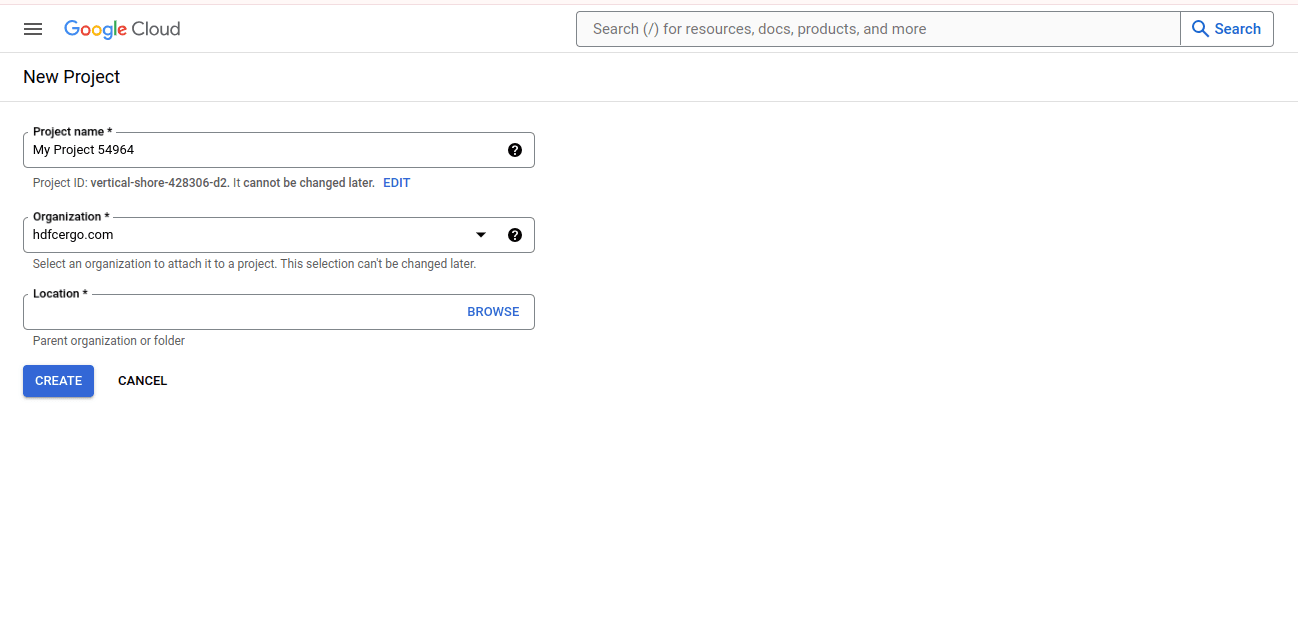
1. Create a GCP Project: Set up a new project in the GCP Console.
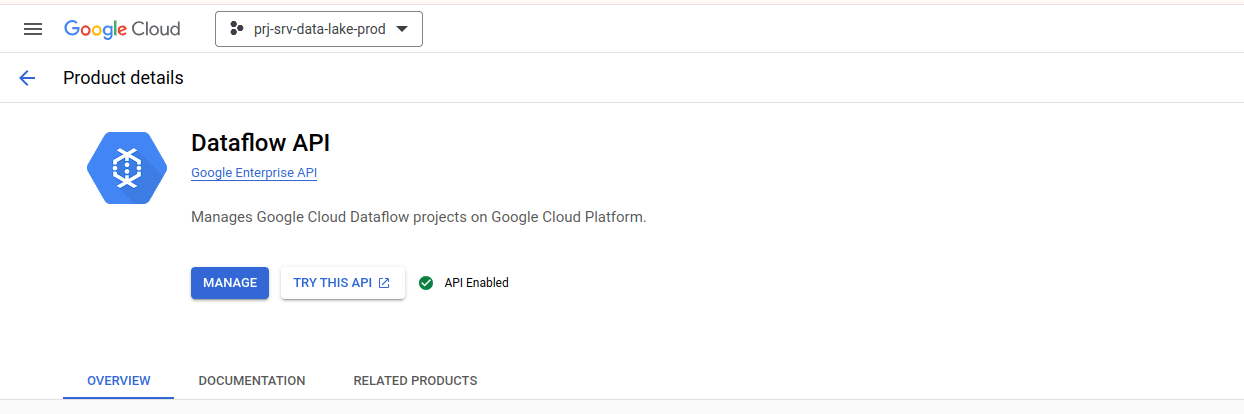
2. Enable Dataflow API:Navigate to the API & Services dashboard and enable the Dataflow API.
3. Set Up Authentication: Configure authentication using a service account with the necessary permissions.
Designing the Pipeline
Our goal is to create a pipeline that ingests data from a source, processes it, and writes the output to a destination. Here’s a step-by-step guide:
- Define the Pipeline: Use Apache Beam, an open-source unified model for defining both batch and streaming data processing pipelines. Install the Apache Beam SDK for Python or Java.
- Read Data: Ingest data from a source, such as Cloud Storage.
- Transform Data: Apply necessary transformations, such as filtering or aggregation.
- Write Data: Write the processed data to a destination, like BigQuery or another Cloud Storage bucket.
- Run the Pipeline: Execute the pipeline on Dataflow.
Optimizing Performance
To optimize the performance of your Dataflow pipeline, consider the following best practices:
- Use Windowing: For time-based data, use windowing to group data into fixed intervals.
- Autoscaling: Enable autoscaling to dynamically adjust the number of worker instances.
- Data Sharding: Split large datasets into smaller shards to improve processing efficiency.
Monitoring and Troubleshooting
GCP provides several tools to monitor and troubleshoot Dataflow jobs:
- Cloud Monitoring: Track the performance and health of your pipeline.
- Cloud Logging: Access logs to diagnose and resolve issues.
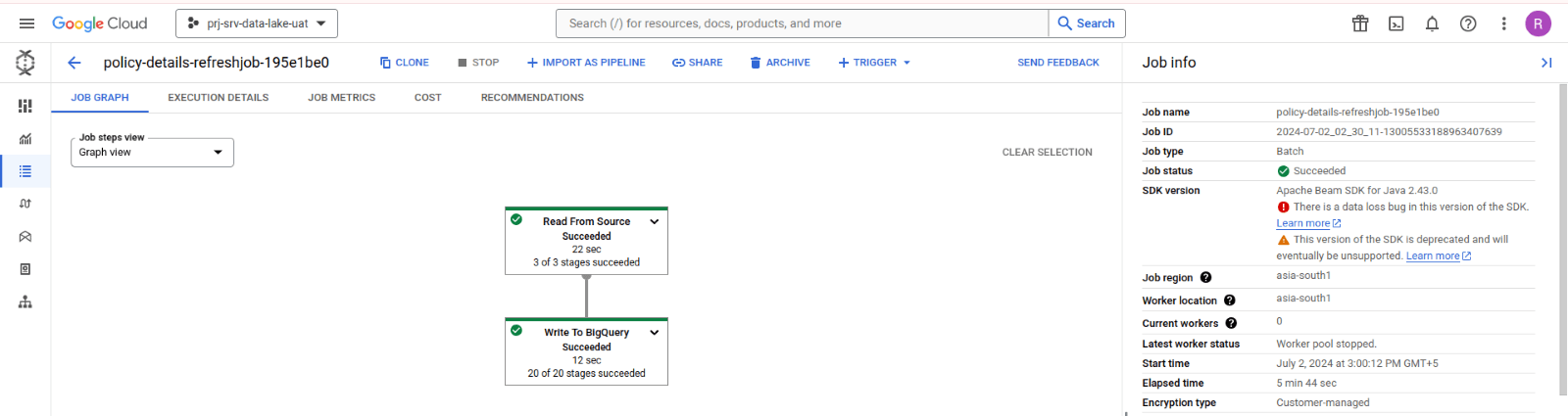
- Dataflow UI: Use the Dataflow monitoring interface to visualize pipeline execution and identify bottlenecks.
Conclusion
Building a batch data pipeline on GCP with Dataflow is a powerful way to process and analyze large datasets efficiently. By leveraging Dataflow's managed service capabilities, you can focus on developing data transformation logic while GCP handles the infrastructure. Implementing best practices and utilizing monitoring tools ensures your pipeline runs smoothly and scales as needed.
Explore LUMIQ’s expertise in Google Cloud services and unlock the full potential of your data with our tailored solutions. Contact us to learn how we can help you drive innovation and efficiency with GCP.